-
Cross Docking using Advanced Warehouse in Dynamics 365 Finance and Operations
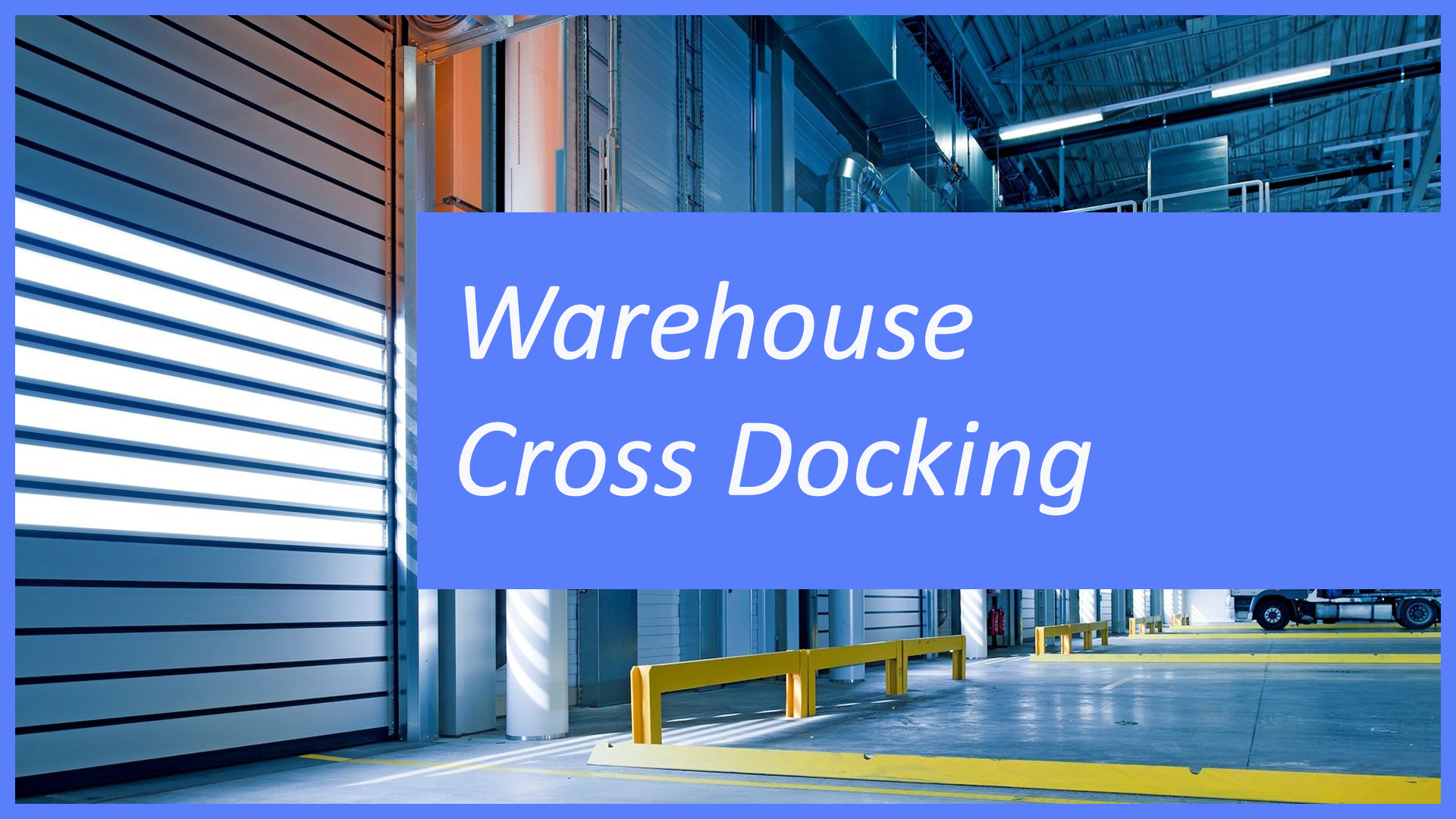
Cross docking gives you the ability to take an item straight from the receiving dock to the baydoor without putting the item away. In today’s example we’ll take a look at how a sales order can be picked straight from the receiving dock.
-
Create a transfer order from a sales line in Dynamics 365 Finance and Operations
Have you ever started creating a sales order and needed to move inventory from one warehouse to another. In today’s video we take a look at a feature in Dynamics 365 Finance and Operations that allows you to create a transfer order from a sales line.
-
Warehouse Mobile App Image Display
Today we take a look at how you can display an image in the Advanced Warehouse Mobile app in Dynamics 365 Finance and Operations.
-
When setting up Advanced Warehouse don’t forget these two things

Today we take a look at two items you should always do when setting up the warehouse mobile app for advanced warehouse in Dynamics 365 Finance and Operations.
-
Purchase Order Safety Level of Invoiced Orders
In today’s two minute tip we take a look at a setting in the procurement and sourcing parameters called safety level of invoiced orders. This setting allows for the protection of an invoiced purchase order.
-
Resize Task Recording menu
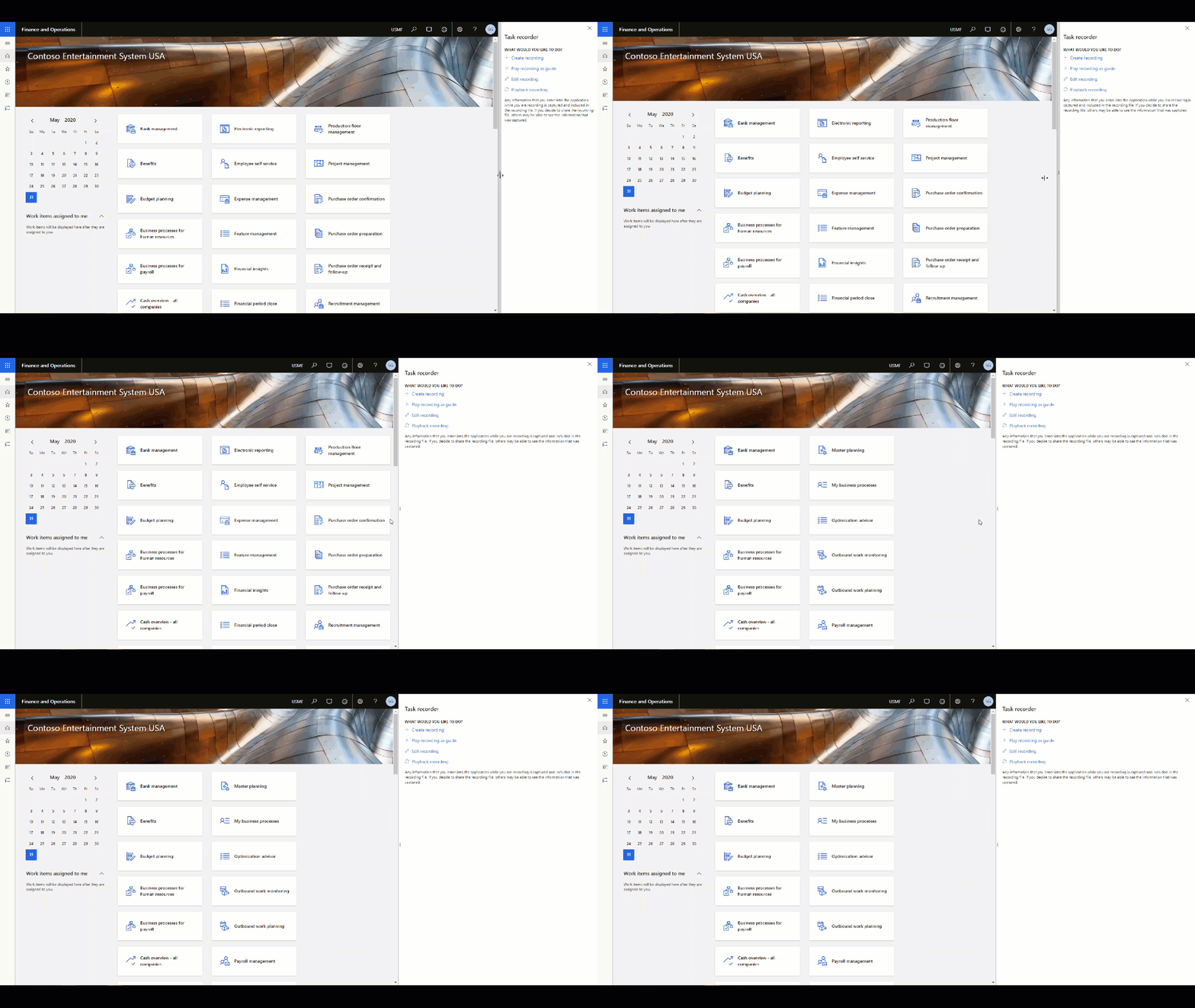
I was creating some task recordings for a client recently and noticed that you can now resize the task recording window. Now instead of having to have the task recorder relegated to a sliver of the screen you can now expand the task recorder out. It turns out that this came out in 10.0.9 it’s…